• Welcome to your new Gnomio site

    Now, you are in control!

    Moodle is an open-source Learning Management System (LMS) that provides educators with the tools and features to create and manage online courses. It allows educators to organize course materials, create quizzes and assignments, host discussion forums, and track student progress. Moodle is highly flexible and can be customized to meet the specific needs of different institutions and learning environments.

    Moodle supports both synchronous and asynchronous learning environments, enabling educators to host live webinars, video conferences, and chat sessions, as well as providing a variety of tools that support self-paced learning, including videos, interactive quizzes, and discussion forums. The platform also integrates with other tools and systems, such as Google Apps and plagiarism detection software, to provide a seamless learning experience.

    Moodle is widely used in educational institutions, including universities, K-12 schools, and corporate training programs. It is well-suited to online and blended learning environments and distance education programs. Additionally, Moodle's accessibility features make it a popular choice for learners with disabilities, ensuring that courses are inclusive and accessible to all learners.

    The Moodle community is an active group of users, developers, and educators who contribute to the platform's development and improvement. The community provides support, resources, and documentation for users, as well as a forum for sharing ideas and best practices. Moodle releases regular updates and improvements, ensuring that the platform remains up-to-date with the latest technologies and best practices.

    Links of interest:

    (You can edit or remove this text)

Available courses

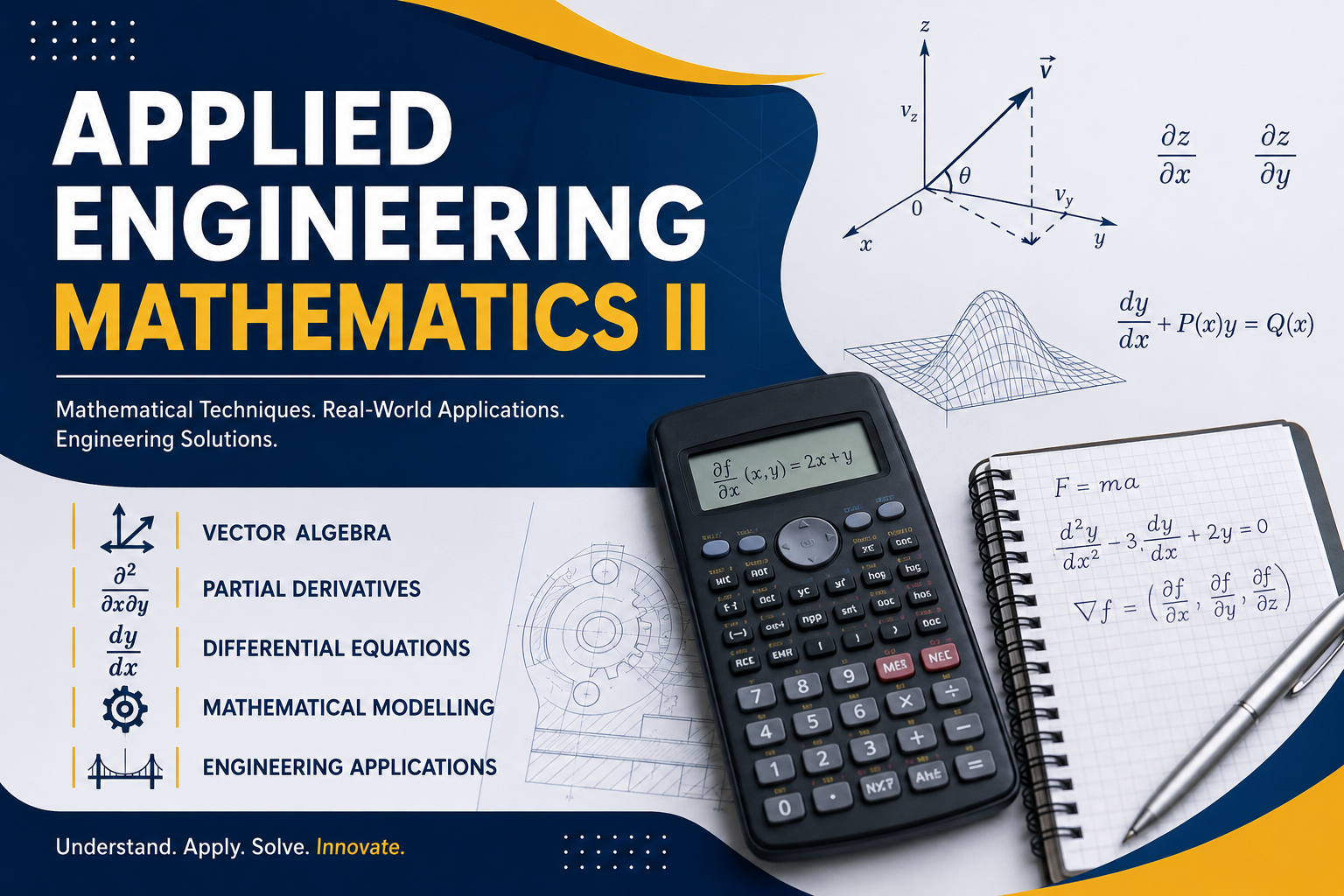
Applied Engineering Mathematics II equips learners with mathematical techniques used in engineering and technology. The course covers vector algebra, partial derivatives, differential equations, and mathematical modelling. Learners will develop problem-solving and analytical skills through practical activities, assignments, quizzes, discussions, and projects.

Course Title: Introduction to MATLAB

Course Summary

This course introduces trainees to MATLAB, a high-level programming and numerical computing environment widely used in mathematics, engineering, statistics, and data analysis. The course is designed for beginners with little or no prior programming experience and emphasizes practical, hands-on learning.

Trainees will become familiar with the MATLAB interface, basic commands, variables, scripts, and functions. The course also covers data manipulation, mathematical and statistical computations, and basic data visualization techniques. By the end of the course, trainees will be able to apply MATLAB skills to solve mathematical and data-related problems in academic and workplace settings.


Learning Outcomes

By the end of this course, trainees will be able to:

  1. Navigate and use the MATLAB environment effectively.

  2. Apply basic MATLAB commands and syntax correctly.

  3. Create and manipulate variables, vectors, and matrices.

  4. Write and execute simple scripts and user-defined functions.

  5. Perform basic mathematical and statistical computations.

Core Topics

  1. Introduction to MATLAB

    • Overview of MATLAB and its applications

    • MATLAB interface and workspace

    • Command Window, Editor, and Help features

  2. Basic MATLAB Commands and Syntax

    • MATLAB syntax rules

    • Built-in functions

    • Commenting and formatting code

  3. Variables, Data Types, and Arrays

    • Scalars, vectors, and matrices

    • Indexing and array operations

    • Common data types

  4. Mathematical and Statistical Operations

    • Arithmetic and algebraic operations

    • Built-in mathematical functions

    • Basic statistics (mean, median, standard deviation)

Sample Learning Interactivities

  1. Interactive quizzes to assess trainees’ understanding of MATLAB syntax and concepts.

  2. Guided hands-on practical exercises using MATLAB commands and tools.

  3. Coding practice tasks involving scripts, functions, vectors, and matrices.

  4. Mini practical assignments focused on solving mathematical and data-related problems.

  5. Data import and analysis activities using real datasets.

  6. Data visualization tasks involving creation and interpretation of plots.

  7. Online discussion forums for peer learning and problem-solving.

  8. Demonstration videos followed by practical tasks.

  9. End-of-module competency-based practical assessments.